

CRM Analytics
Empower Sales Teams with CRM Analytics
SplashBI Sales & CRM Analytics gives revenue teams a single view of pipeline, activity, and outcomes across Salesforce, HubSpot, and Oracle. Reps see their number, managers see the forecast, and leaders see where deals actually move, without stitching reports together every Monday.
Arm Your Team With Modern Tools
Elevate Sales Dashboards, Optimize Strategies
SplashBI reduces the time spent building and maintaining reports, so teams can focus on understanding their data to improve pipeline performance, increase conversion rates, close more deals, and support better decisions.
SalesForce Deep-Linking
Go beyond the surface layer of your dashboard and drill down into the data.
Cross Object Reporting
Create cross-object reports or KPIs and dive deeper into your data.
Distribution & Scheduling
Share your report or dashboard with others in either excel, PDF, or HTML format.
Excel Plugin
Use our Excel add-in for robust transactional reporting that is easy to use.
Metrics that matter
Insights For Every Sales Role
Sales Reps
Understand trends at each stage of your pipeline and track progress toward quota.
Sales Leaders
View live sales data, analyze trends, and compare team performance.
Sales Executives
Monitor YTD performance against budget and forecast across the organization.
Drive Growth With Actionable Sales Analytics
Spend Less Time Building Reports. More Time Driving Growth.
Whether you need to enable your sales reps, provide visibility for your executive team or make data-driven decisions, SplashBI for CRM has pre-built sales reports and dashboards to help.
Integrations
Plug Into the Systems Your Sales Team Lives In
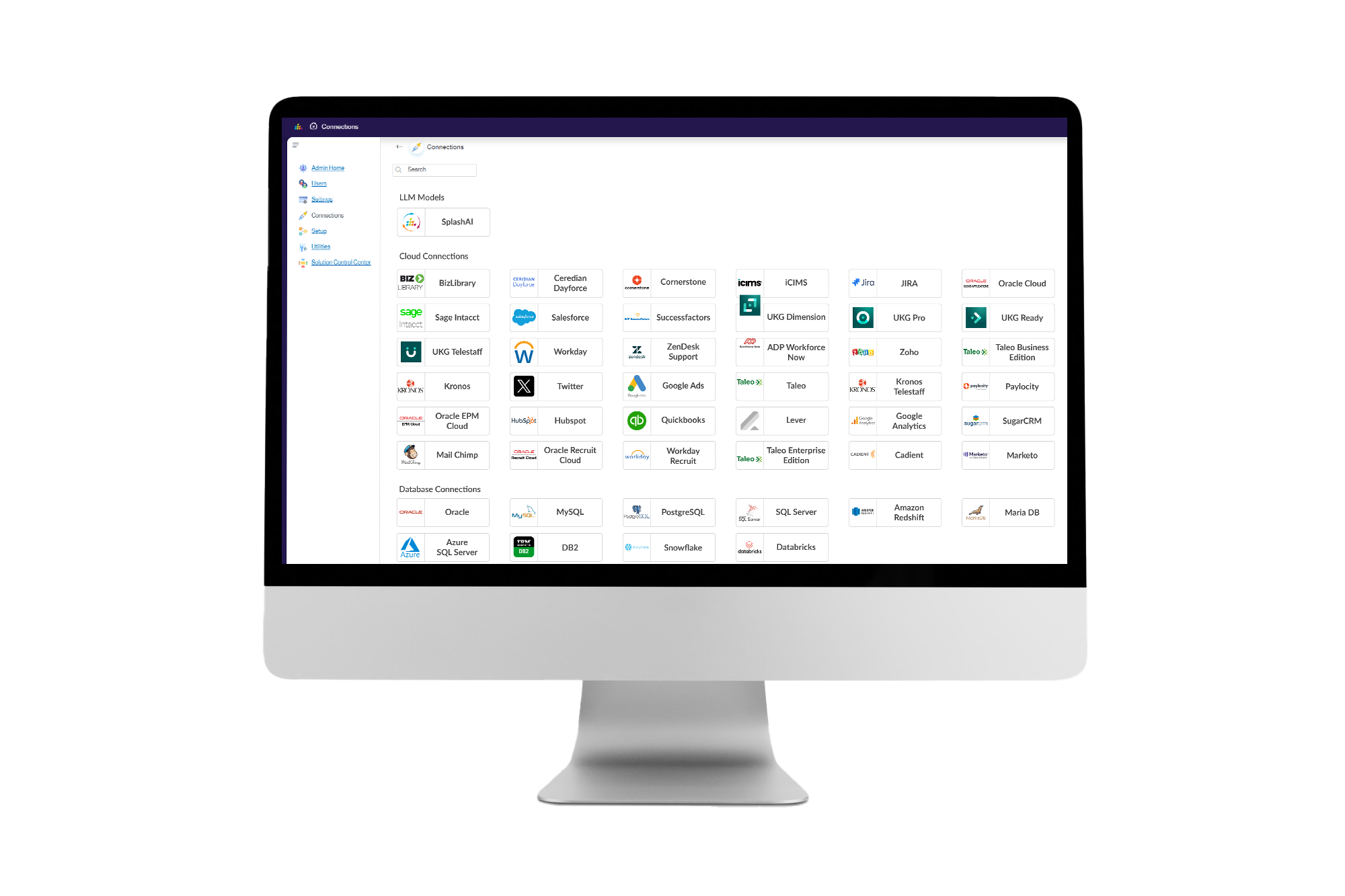
SplashBI connects directly to Salesforce, HubSpot, Oracle, and more, so every dashboard reflects the live state of your pipeline.
See SplashBI for CRM In Action
FAQs
Sales & CRM analytics questions
It helps teams move from pipeline visibility to pipeline action, understanding where deals are slipping, where risk is building, and what needs attention before targets are missed.
SplashBI connects directly to Salesforce, HubSpot, Oracle, and more, so every dashboard reflects the live state of your pipeline.
Yes. Salesforce Deep-Linking lets you go beyond the surface layer of your dashboard and drill down into the data, and Cross Object Reporting lets you create cross-object reports or KPIs and dive deeper into your data.
Sales Reps track trends at each stage of your pipeline and progress toward quota. Sales Leaders view live sales data, analyze trends, and compare team performance. Sales Executives monitor YTD performance against budget and forecast across the organization.
Distribution & Scheduling lets you share your report or dashboard with others in either Excel, PDF, or HTML format, and the Excel Plugin provides an Excel add-in for robust transactional reporting that is easy to use.