
What is a Business Intelligence Reporting Tool?
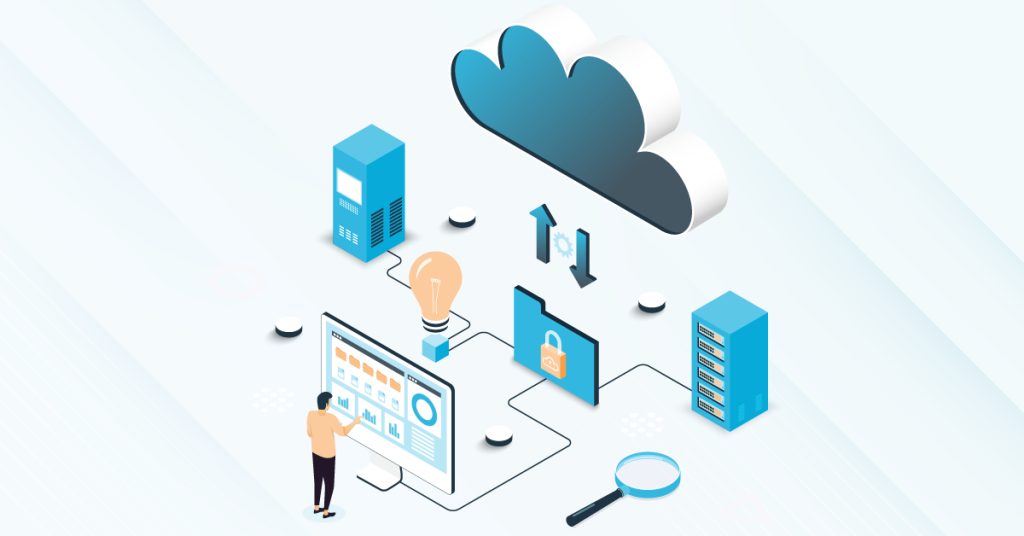
A business intelligence (BI) reporting tool connects to your on-premise or cloud data sources, organizes that information, and turns it into interactive dashboards and reports you can trust. By automating data collection, prep, and visualization, the tool converts raw numbers into decision-ready insights for every team.
Key Takeaways
- Data-Driven Decisions: BI tools transform raw, unstructured data into actionable insights for informed decision-making.
- Efficiency: Self-service reporting eliminates IT bottlenecks, allowing users to generate reports on the go.
- Predictive Power: Advanced BI allows for “pseudo tests” on past data to predict future trends and manage risks.
- Centralized Visibility: Real-time dashboards provide a 360-degree view of company performance across all regions and departments.
- Operational Clarity: Automated reporting helps managers track daily activities and identify hidden patterns or loopholes.
Self-service reporting tools eliminate cumbersome IT processes, giving you end-to-end control over your reports without waiting on technical teams, with the self-service BI market projected to reach $26.54 billion by 2032. They play a vital role in transforming vast volumes of unfiltered data into visually appealing reports and dashboards in no time.
BI platforms bring together reporting tools, analytics, and visualization capabilities so you can access all your insights in one place. These BI tools collect and process large volumes of unstructured data, then let you query and find the information you need in seconds. The BI reporting tools help in gaining proper analysis of the data through accurate visualizations, dashboards, reports, etc. and present a genuine picture of the Key Performance Metrics (KPIs), operational efficiencies, new income avenues, new opportunities, trends and patterns and much more.
Additionally, BI can co-exist with a wide range of data analysis tools for reporting and querying of business data, including:
- Enterprise Reporting & Ad hoc Analysis
- Mobile & Cloud BI (SaaS)
- Online Analytical Processing (OLAP)
- Real-time & Operational BI
- Open-source & Collaborative BI
How BI reporting tools help organizations
- Performance Benchmarking: Identify your top-performing areas and compare them against underperforming ones, so you can prioritize improvements and align teams around shared goals.
- Predictive Modeling: Analyze historical data to predict future outcomes and test different scenarios before making decisions. Planning better for the future of the company based on risks, issues, and efficiencies can improve risk management.
- Near Real-Time Monitoring: Gain a comprehensive understanding of your business operations with near real-time insights. Executive dashboards provide immediate clarity through at-a-glance summaries and detailed drill-downs. This actionable visibility is proven to drive results; 80% of companies report revenue increases after implementing near real-time analytics.
- Interactive Reporting: Interactive reports give you a condensed view of all your data, making it easier to spot issues, trends, and patterns through statistical analysis.
- Location Intelligence: Location-based visualizations show you regional performance at a glance, so you can quickly identify and focus on areas that need attention.
- Automated Operational Reporting: Modern BI tools automate reports on a pre-set schedule—landing in your inbox before the day starts—so you’re always informed and ready to act.
- Pivot Table Analysis: Pivot tables let you uncover hidden trends by sorting, counting, and averaging large data sets to find loopholes.
- Ad Hoc Reporting: BI platforms excel at ad hoc reporting. Ad-Hoc reporting lets you customize reports with the queries and metrics that matter most to your decisions.
- Enterprise-Grade Security & Governance: Protect your data integrity with a trust-first approach. With robust Role-Based Access Control and granular row-level security, leaders across HR, Finance, and Sales are ensured that only authorized personnel access sensitive information, safeguarding data integrity and compliance.
- Open Integration: Smart BI ensures that all the systems are under one big system, providing actionable reports across all your sources.
Conclusion
BI reporting’s core purpose is simple: give you the insights you need to make better decisions, faster. Whether you require advanced analytics or basic dashboards, analyze your company’s requirements and look for a tool that best fits your needs. An educated decision can heighten the chances of successfully implementing a BI reporting tool within your organization, especially considering BI is still used by only 29% of employees on average despite growing adoption.
SplashBI offers dynamic KPIs using table drill-downs and charts to give you comprehensive insights.
SplashBI helps you to measure, analyze, and optimize your data. For Out-of-the-box reports and dashboards, with our BI platform, request a demo.