What is Self-Service Reporting?
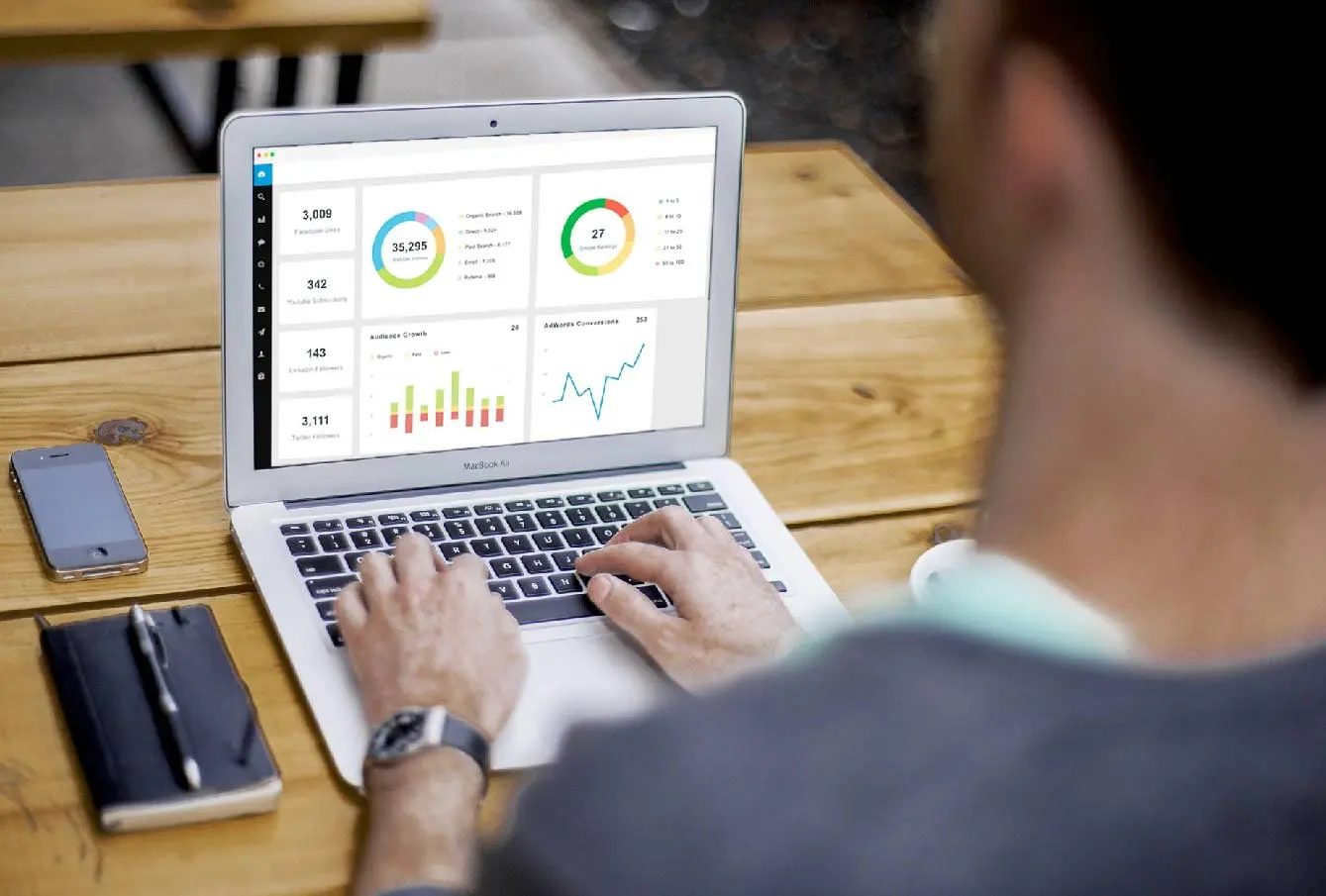
Self-service reporting is a Business Intelligence (BI) approach that enables non-technical business users to independently access, analyze, and share data insights through intuitive interfaces without requiring intervention from IT or data specialists.
In the modern enterprise, data is the primary driver of competitive advantage. However, data is only as valuable as your ability to access it. While traditional BI models relied on a centralized “request and wait” system, self-service reporting democratizes information. It provides the “bridge” between complex data warehouses and the functional business leaders who need answers in real-time.
Why It Matters: Strategic Outcomes for the 2026 Enterprise
The “data bottleneck” is a relic of the past. Organizations that successfully implement self-service reporting through platforms like SplashBI see three primary outcomes that directly impact the bottom line.
1. Drastic Reduction in Time-to-Insight (TTI)
Traditional reporting cycles, once measured in days or even weeks, are now relics of an outdated era. In a landscape where market shifts happen in hours, waiting for a weekly report is a competitive liability. With SplashBI’s intuitive self-service tools, business users are empowered to answer their own complex questions in minutes.
Our platform provides:
- Pre-built KPIs and Dashboards: Instant access to critical metrics, allowing users to dive straight into analysis without waiting for IT.
- Effortless Ad-Hoc Reporting: The ability to quickly adjust reports, perform powerful drill-downs, and build custom analytical use cases independently.
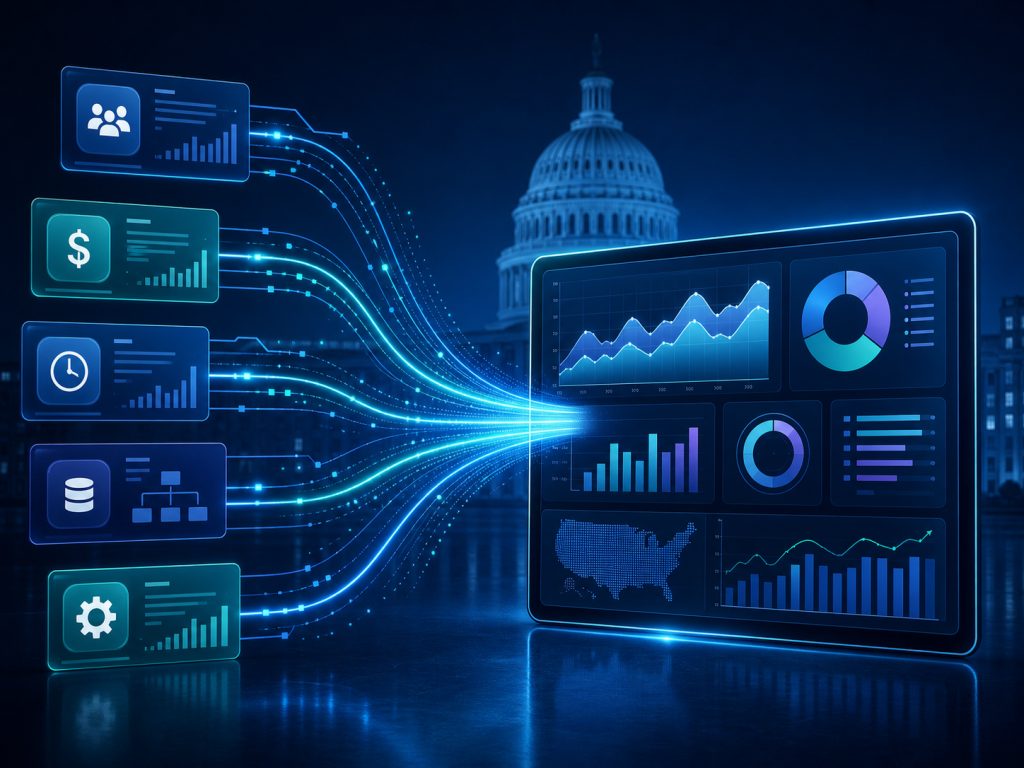
- Integrated Data Sources: SplashBI enables business users to combine data from multiple heterogeneous sources, providing a holistic view for faster, more informed decisions.
- Conversational AI: SplashAI transforms user-data interactions through Natural Language Querying (NLQ), enabling stakeholders to engage with information as they would with a colleague to deliver near-instantaneous reports, intuitive dashboards, and decision-ready insights.
2. Elimination of the IT Backlog
By 2026, the role of IT has fundamentally shifted from “report builders” to strategic “data governors.” SplashBI facilitates this transition by providing the infrastructure for governed self-service:
- Out-of-the-Box Data Extracts: We offer pre-built data extracts for most on-premises or cloud solutions, such as Oracle EBS and Oracle Cloud, significantly reducing the time and cost typically associated with IT or third-party consultants.
- Pre-Built Data Models: SplashBI analytics includes robust pre-built data models and 900+ KPIs, enabling quicker implementation with less risk and at a fraction of the cost of building analytics from scratch.
When marketing, finance, and operations teams can confidently handle their own ad-hoc queries, IT is freed to focus on high-value architecture, security, and data governance. This strategic shift not only reduces technical debt but also prevents the “Shadow IT” risks highlighted by Forrester, which often arise when frustrated users resort to unmanaged, insecure spreadsheets.
3. Higher User Adoption and a Thriving Data Culture
A powerful tool is only truly valuable if it’s widely adopted and utilized. SplashBI’s self-service platform is designed with ease of use at its core, significantly lowering the barrier to entry.
- Intuitive Interface & Rich Visualizations: With over 100+ visualizations, effortless ad-hoc report adjustments, and the flexibility to report in Excel or directly in a browser, SplashBI makes data exploration accessible for everyone.
- Versatile & Accessible Solutions: Whether you need cloud-based flexibility or on-premise security, our solutions are optimized for accessibility via any mobile device, ensuring critical business insights are always at your fingertips.
When employees across all departments—from HR People Analytics to Finance Reporting and Sales & Marketing—see the direct impact of data on their daily KPIs, it naturally cultivates a robust culture of accountability. This transforms data from a mere resource into a strategic asset.
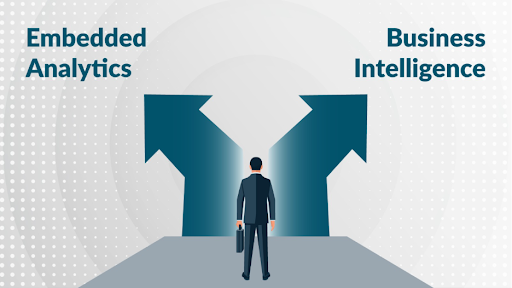
Self-Service Reporting vs. Analytics vs. Traditional BI
It’s easy to confuse these terms. Here is how they differ in a modern data stack:
| Feature | Traditional BI | Self-Service Reporting | Self-Service Analytics |
|---|---|---|---|
| Primary User | IT / Data Scientists | Business Managers / Leads | Power Users, enabled by Natural Language Querying & Semantic Layers |
| Goal | Static “System of Record” | Operational Dashboards (What happened?) | Discovery & Hypothesis Testing (Why did it happen?) |
| Complexity | High (Requires SQL/Code) | Low (Low-Code/No-Code Interfaces, Guided Exploration) | Moderate (Visual Discovery & AI-Assisted Analysis) |
| Response Time | Weeks/Months | Near Real-time | Near Real-time |
| Governance | Rigid & Centralized | Governed Guardrails | Governed Guardrails |
| AI & Automation Role | Limited to Backend Optimization | Automated Report Generation & Anomaly Alerts | AI Copilots, Automated Insights & Forecasting |
How It Works: The Components of a Modern Self-Service Stack
To the end-user, self-service reporting feels like magic: you ask a question and get a chart. However, a robust 2026 architecture requires several critical layers to ensure that the “self-service” doesn’t turn into “self-destruction” through inconsistent data.
1. Intelligent Data Connectors
Modern platforms must pull data from disparate silos like Cloud ERPs, legacy on-premise databases, and third-party APIs without manual exports.
- SplashBI Advantage: Utilizing pre-built Oracle Cloud connectors and UKG integrations allows for real-time data streaming rather than stale batch processing.
2. The Semantic Layer (The “Single Version of Truth”)
This is the most critical component. The semantic layer translates complex SQL table names into business terms (e.g., turning SEGMENT1 into “Cost Center”). This ensures that whether a Marketing Manager or a CFO runs a “Revenue” report, they are looking at the same calculated metric. According to Gartner’s 2025 BI Research, a trusted semantic modeling layer is now a “must-have” for any governed AI environment.
3. Conversational AI & NLQ (Natural Language Querying)
In 2026, the “drag-and-drop” interface is being augmented by “ask-and-receive.” Tools like SplashAI allow users to type, “Show me turnover rates by department for Q3,” and receive an instant visualization. This removes the technical barrier to data entry for non-technical staff.
4. Automated Distribution & Alerts
Self-service doesn’t mean you always have to go to the data; sometimes the data should come to you. Modern systems use automated “bursting” to send invoices or KPI alerts directly to stakeholders’ inboxes or mobile devices.
Who Benefits? Role-Based Use Cases
Self-service reporting isn’t a “one-size-fits-all” solution. Different departments leverage these tools to solve unique, high-stakes problems.
Finance: Streamlining the Month-End Close
Finance teams are often the heaviest users of ad-hoc reporting. Instead of waiting for IT to build a custom SQL query, financial analysts can instantly investigate variance or drill down into sub-ledger details.
- Real-World Example: Warner Music Group used SplashBI to automate month-end AR reconciliations, transforming a time-consuming manual process into an accurate, automated workflow.
HR & People Analytics: Predicting Attrition
For HR, self-service means moving beyond “headcount” to “human capital strategy.” By 2026, people analytics dashboards are used to identify “flight risks” 6–12 months before an employee resigns.
- Real-World Example: Avanos integrated SplashBI with SAP SuccessFactors, slashing 3–4 days of manual reporting down to near-instant insights, allowing HR to focus on retention rather than data entry.
IT Departments: From “Order Takers” to “Strategists”
Surprisingly, IT is a primary beneficiary. When 80% of routine report requests are handled by the users themselves, IT can focus on data governance and security best practices. This shift significantly reduces the “technical debt” of maintaining thousands of obsolete, custom-coded reports.
C-Suite Executives: Decision-Ready Data
Executives require high-level summaries with the ability to “drill to detail” when a KPI turns red. In 2026, AI-driven analytics will help the C-suite move from simply viewing dashboards to making proactive decisions based on predictive trends.
The Benefits: Measured in Outcomes, Not Just Features
Moving to a self-service model isn’t just about giving people “more buttons to click.” In 2026, the success of a BI implementation is measured by its impact on the bottom line.
| Benefit | KPI to Measure Success | Target Impact |
|---|---|---|
| Operational Speed | Time-to-Insight (TTI) | 60% reduction in report turnaround |
| IT Efficiency | # of Ad-hoc Requests to IT | 40–50% reduction in support tickets |
| User Empowerment | User Adoption Rate (MAU) | >70% of licensed users active monthly |
| Data Quality | Decision Accuracy Rate | Decrease in “data discrepancies” between teams |
The “Unseen” Advantage: Cost Savings
By utilizing a tool like SplashBI that offers pre-built business content, companies avoid the high cost of custom development. According to Forrester, organizations that adopt self-service BI platforms can see a Return on Investment (ROI) of up to 180% over three years due to labor savings alone.
Challenges & Risks: Why “Wild West” Data Fails
Without governance, self-service reporting can lead to “Data Sprawl”—where, for example, three different departments show three different “Total Sales” figures in the same meeting.
Common Risks:
- Inconsistent Metrics: Using different logic for the same KPI.
- Data Security: Unauthorized users accessing sensitive PII or payroll data.
- Performance Drag: Non-optimized queries slowing down the source ERP system.
The Mitigation: Governed Self-Service
The solution is a Centralized Semantic Layer. This allows IT to certify “Golden Datasets.” Users can build their own reports, but only using pre-vetted, secure data models. Combined with Role-Based Access Control (RBAC), this ensures that a regional manager only sees data for their specific region.
Conclusion: The Future of Reporting is in the User’s Hands
The era of technical reporting backlogs is officially over. In 2026, self-service reporting is no longer a luxury—it is the baseline for operational excellence. By empowering your teams to answer their own questions, you don’t just save time; you create a more agile, data-literate, and competitive organization.
The transition doesn’t have to be overwhelming. With a governed framework and the right technology partner, you can turn your data into your most valuable active asset.
Ready to see self-service reporting in action?
Stop waiting for reports and start making decisions. See how SplashBI simplifies the complex and puts the power of data back where it belongs: with you.
Request a 1-on-1 Demo of SplashBI Today