

Oracle Cloud Reporting
Streamline, Analyze, And Optimize Your Cloud Reporting
Oracle Cloud Reporting gives Fusion Cloud customers 720+ pre-built reports across Financials, HCM, and SCM. Business users run, filter, and drill into their own data with row-level security intact, without waiting on custom development.
720+ Pre-Built Reports
Built for People Who Need Answers - Not Just Access
720+ pre-built reports for Oracle Fusion Cloud. Instant value for your teams in Finance, HR, and Supply Chain.
Seamless Integration
Effortless Reporting for Oracle Fusion Cloud Applications.
SplashBI integrates seamlessly with Oracle Fusion Cloud Applications, simplifying reporting complexities.
With 720+ pre-built reports across modules like HCM, Finance, and SCM, there's no need to build data models, write queries, or decode metadata-everything is structured and ready to use.
Track payroll metrics, reconcile ledgers, or analyze vendor performance with live, self-service, role-specific reports. Faster answers for your team, fewer IT tickets-everyone wins.
No Setup Delays · No Custom Development
Enterprise-Grade Reporting, Without the Wait.
Purpose-built features that simplify reporting across Oracle Fusion Cloud-no setup delays, no custom development.
Built for Business Users
Empower teams to run, filter, and slice reports on their own-without logging tickets or waiting on developers.
Governed & Secure
Respects Oracle's native role-based security settings, so your data access rules stay intact and compliant.
Cross-Functional Reporting
Run reports across modules like HCM, Finance, and SCM-without needing to manually join data or work around subject area limits.
Flexible Report Access
View and refresh reports in SplashBI's interface, or export cleanly to Excel-no formatting errors, no row limits.
Cloud data pipelines
ELT-ready for cloud app integration at scale
Most SaaS platforms restrict direct query access. SplashBI solves this by offering configurable, API-based data pipelines that support both real-time and scheduled data extraction, transformation, and load.
Native Integration
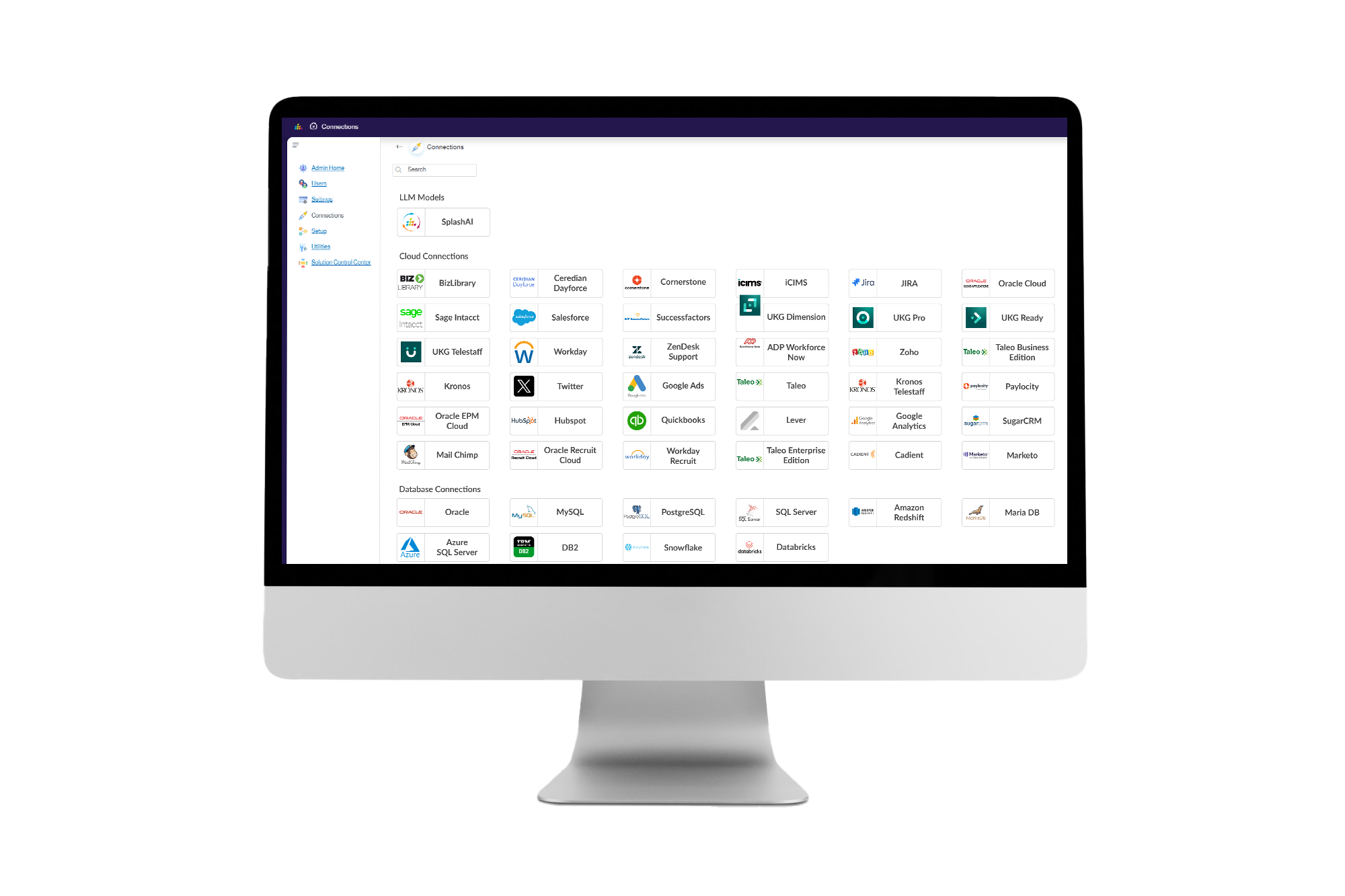
Native integration with 30+ cloud platforms: Workday, Salesforce, Marketo, and more.
Incremental Load Support
Supports incremental loads and delta logic for large-volume datasets.
Flexible Destinations
Send data to Snowflake, Databricks, Azure, ATP, ADW and more.
Efficient JVM Usage
Optimized Java Virtual Machine utilization for large-scale execution.
Event-Based Orchestration
Trigger extracts based on events or custom schedules.
Transformation Framework
Built-in rule chaining and mapping logic for flexible ETL pipelines.
Smart Retry
Automatically retries failed operations with fallback logic.
Semantic Metadata Capture
Automatically harvests tribal knowledge and logic from ETL pipelines and lineage maps to enrich the AI's understanding of data relationships.
Built to complement Oracle
Oracle at the core, SplashBI alongside it
SplashBI gives your team modern, self-service reporting on top of the Oracle systems you already run. Accurate, governed, and without the SQL bottleneck. Whether you're staying on EBS, moving to Fusion, or running both, your reports keep working and your teams get modern and faster access to the Oracle data they trust.

GL CONNECT
Direct, governed access to your Oracle GL data, drill from balances to journal detail, manage attachments, and submit approvals without leaving GL Connect.
Learn more

ORACLE EBS
Real-time reporting on Oracle E-Business Suite (EBS) data, with 1,300+ pre-built reports across financials, HR, and operations.
Learn more

ORACLE DISCOVERER
Carry your Discoverer reports forward smoothly into a modern, Oracle-aligned reporting and analytics layer.
Learn more

ORACLE EPM
Bring Oracle EPM planning data into the same analytics layer as your Fusion and EBS actuals, ready for reporting and AI alongside your Oracle stack.
Learn more

ORACLE HCM
Self-service people analytics on Oracle HCM, with prebuilt HR dashboards out of the box.
Learn more

SQL CONNECT:QUERY DATA
Governed, role aware SQL across Oracle, Salesforce, Snowflake, and more. No extracts, no custom pipelines.
Learn more

DATA PIPELINES
Replicate your Oracle data table-to-table in your warehouse on a managed schedule, ready for reporting and AI.
Learn more

Report in Excel
Live Oracle reporting inside the spreadsheet your finance team already lives in. Refreshable, governed, and tied to your Oracle data.
Learn more
Faster answers for your team. Fewer IT tickets.
See pre-built reports running on your own Oracle Fusion Cloud data.
FAQs
Oracle Cloud reporting questions
720+ pre-built reports for Oracle Fusion Cloud, giving instant value to teams in Finance, HR, and Supply Chain.
No. There's no need to build data models, write queries, or decode metadata: everything is structured and ready to use.
Reports span HCM, Finance, and SCM, with area-specific coverage for Human Resources, Payroll, Finance, Expenses, Projects, and Supply Chain.
Yes. It respects Oracle's native role-based security settings, so your data access rules stay intact and compliant.
Yes. It empowers teams to run, filter, and slice reports on their own, without logging tickets or waiting on developers.
You can view and refresh reports in SplashBI's interface, or export cleanly to Excel with no formatting errors and no row limits.